Turn your camera roll into photo dumps worth posting.
SelfieDump digs through your camera roll for the photos worth sharing, groups the ones that belong together, and turns them into a post-ready dump — sorted right on your device.
We don't upload your camera roll.
Photo discovery, organization, and similarity analysis run on your device. Only the photos you explicitly select for an AI Collage are sent to an AI provider for that generation.
Three steps to your next post
Grant Photos access, your way
Give full access or Apple's limited selection — SelfieDump only ever sees what you allow.
Let it sort itself out
On-device analysis groups selfies, trips, and vibes into ready-made Dump Collections.
Turn a set into a collage
Pick the photos you want, tap AI Collage, and get something worth posting in seconds.
Photo dumps, captions, carousels and AI collages
The tools that organize a messy camera roll into ready-to-post content — without touching your privacy settings.
Dump Collections
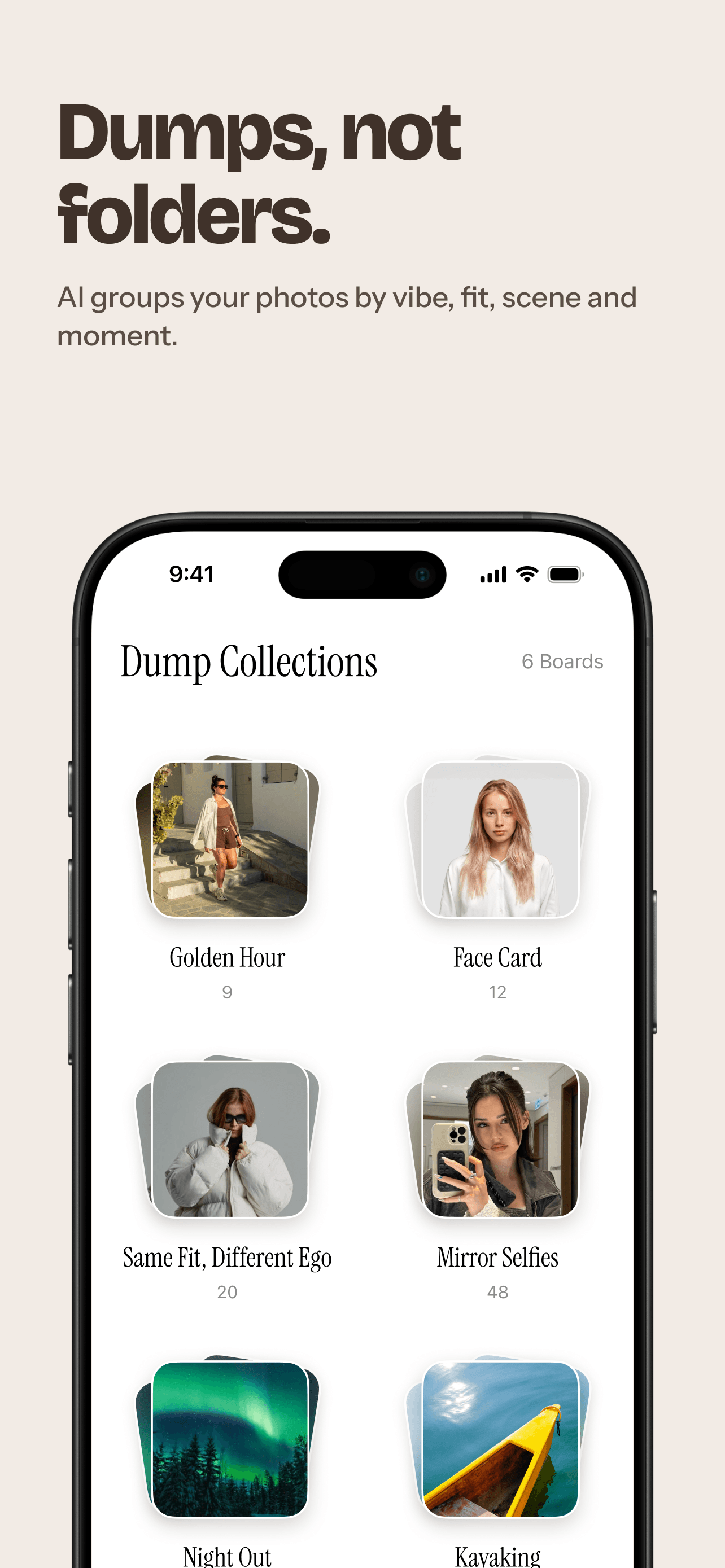
Photos grouped by trip, occasion, or visual theme — camera roll organization that builds your next "photo dump" post for you.
Top Vibes
A running carousel of your best shots, ranked by quality, lighting, and sharpness — ready to drop straight into your next post.
Selfie grouping
Visually similar selfies get organized for easy browsing — never identified, never named.
AI Collage
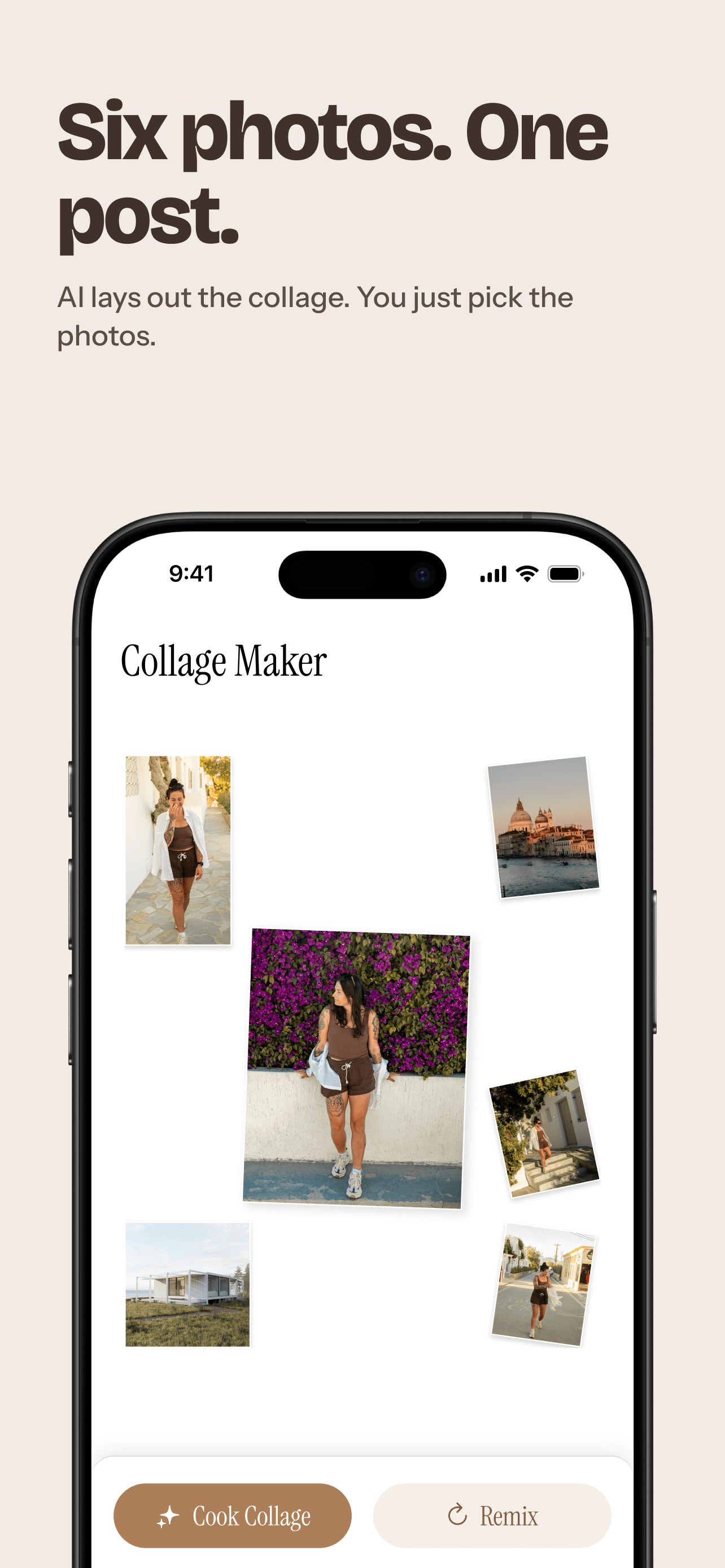
Select the shots you want, choose a style, and get a collage generated in one tap.
Caption Generator
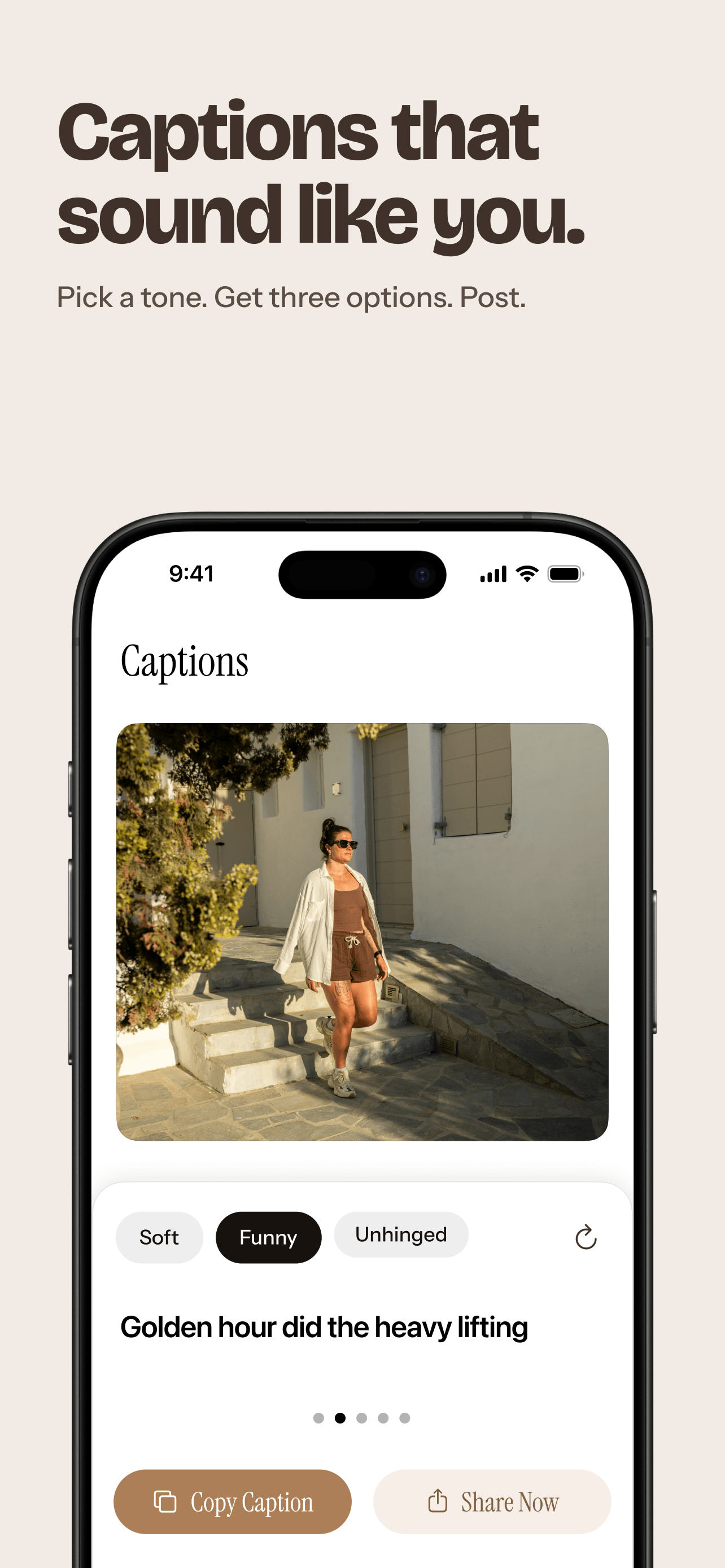
Auto-drafted captions for the photos you pick — tap to copy, tweak, or regenerate before you post.
AI Collage is the only feature that leaves your device — and you control every trip.
Everything else in SelfieDump runs locally. Collage generation needs more processing power than your phone can offer, so only the photos you select for that specific collage are sent out.
- Your choice, every time. Nothing is sent automatically.
- Only the selected photos. The rest of your library stays put.
- Not stored on our servers. Your photos go straight to the AI provider that builds the collage.
See the whole flow, screen by screen.
From a messy camera roll to a caption-ready post — here's what actually happens inside the app.
-
01 / 07
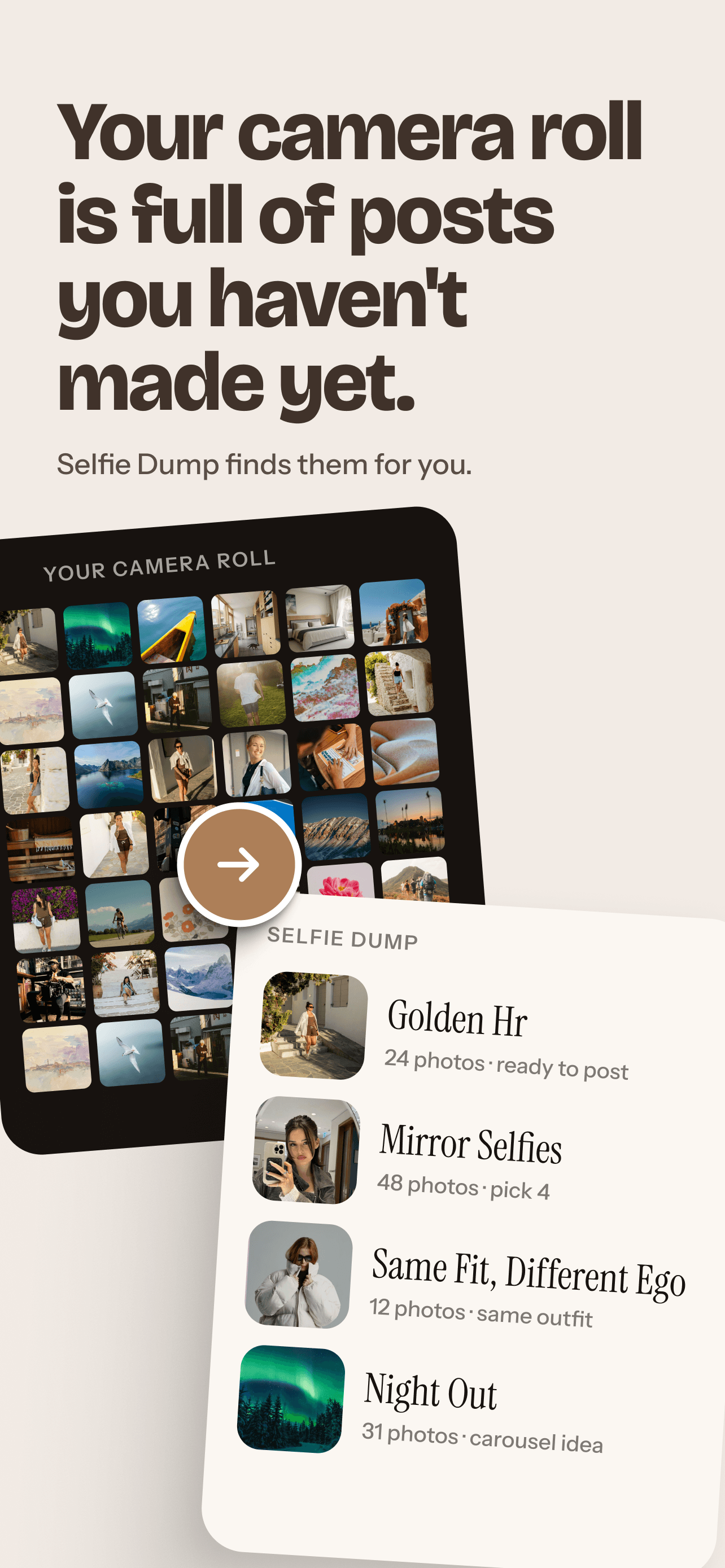
Your camera roll is already full of posts.
SelfieDump quietly sorts it into ready-to-post Dump Collections.
-
02 / 07
Dumps, not folders.
AI groups your photos by vibe, fit, scene, and moment — automatically.
-
03 / 07
Captions that sound like you.
Pick a tone and get a caption ready to copy, tweak, or post.
-
04 / 07
Six photos. One post.
Choose your shots — AI lays out the collage for you.
-
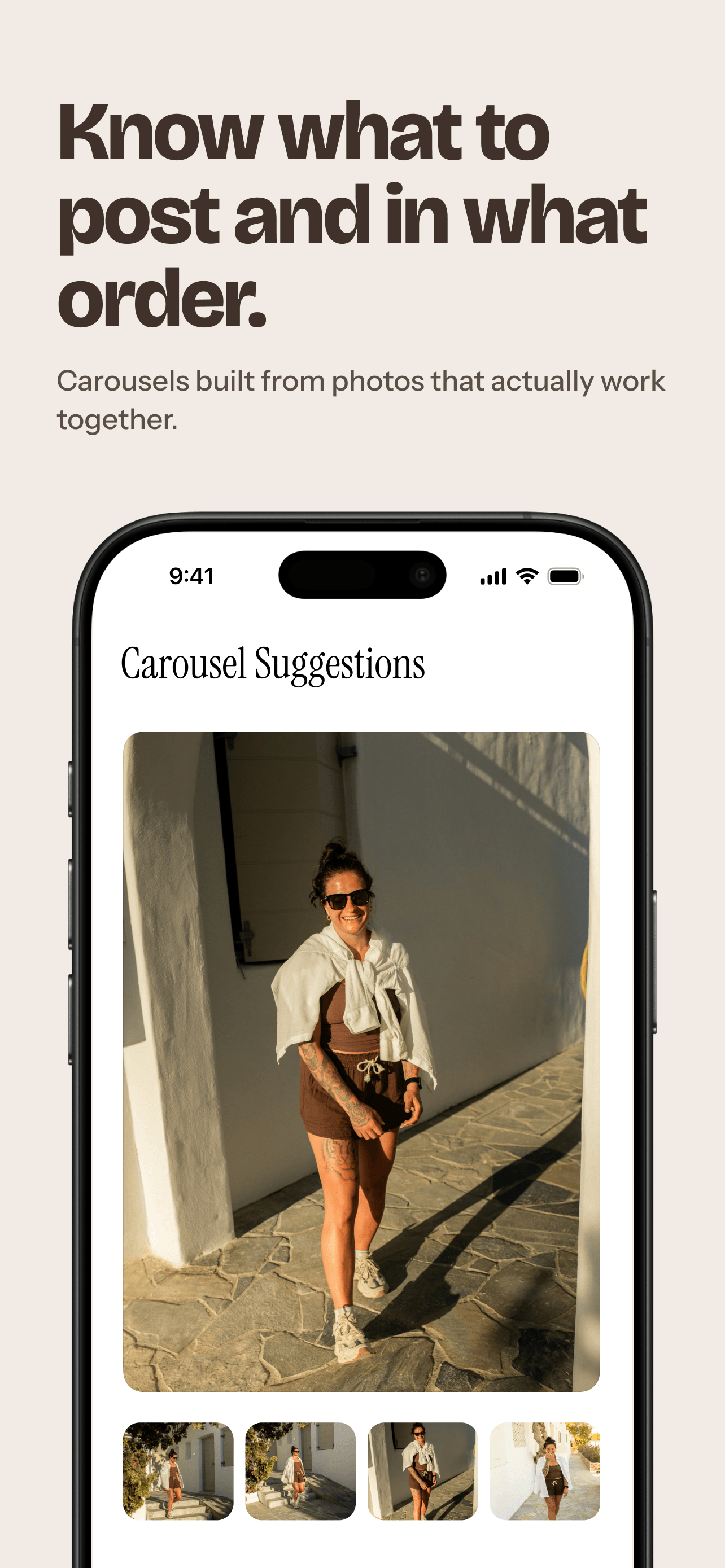
05 / 07
Know what to post, and in what order.
Carousel Suggestions sequence photos that actually work together.
-
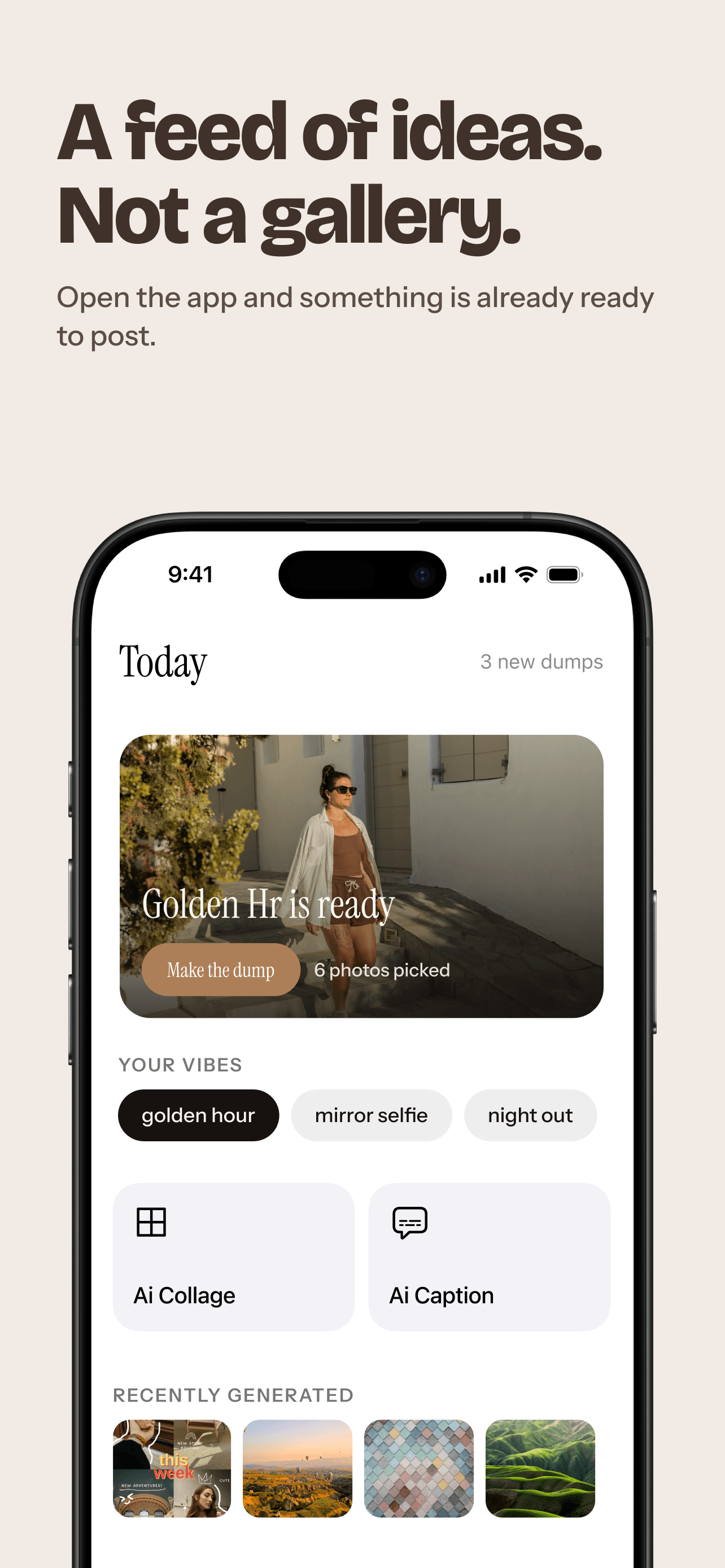
06 / 07
A feed of ideas, not a gallery.
Open the app and a dump is already picked and ready to share.
-
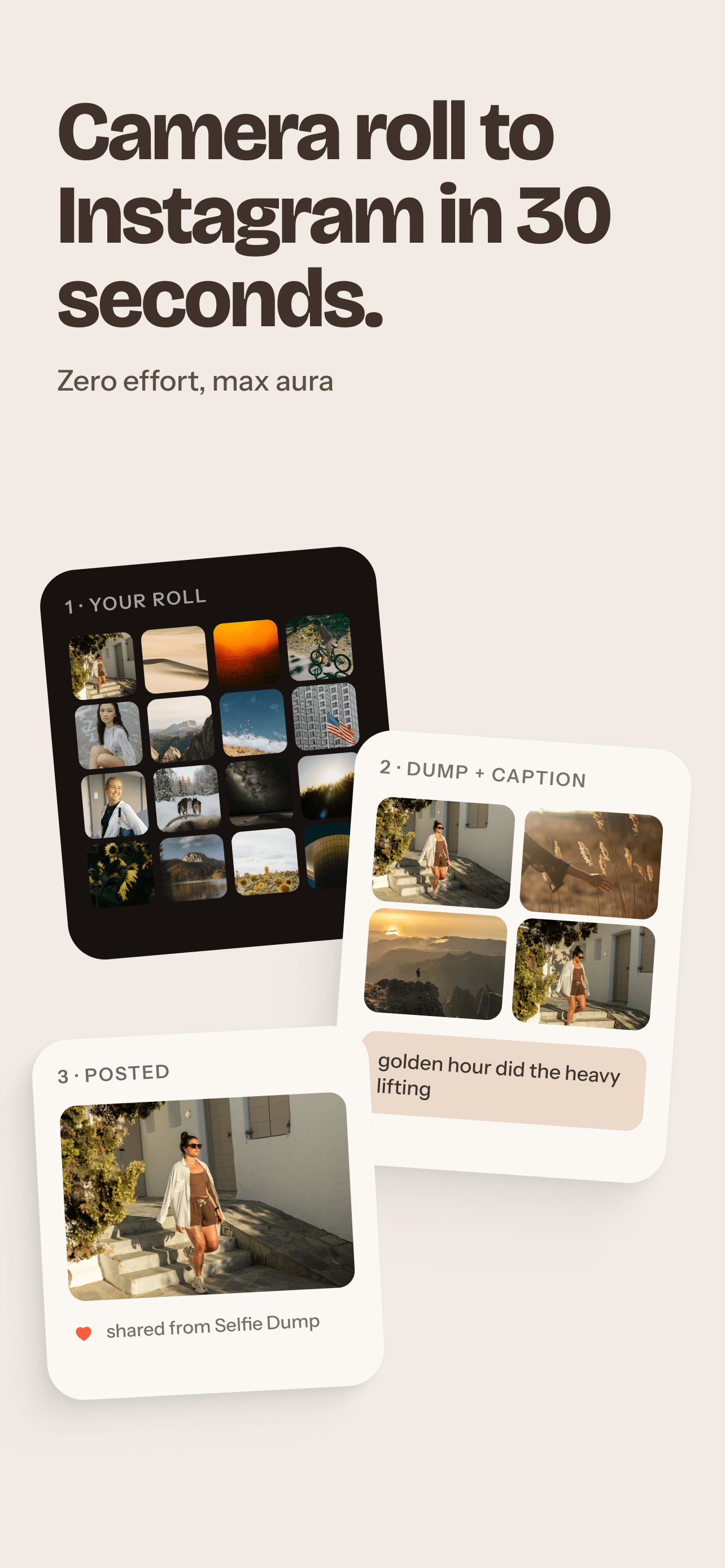
07 / 07
Camera roll to Instagram in 30 seconds.
From your roll to a posted caption — zero effort, max aura.
Simple pricing
Free to sort your camera roll. Premium if you want more collages, more often.
Free / Limited Access
- Unlimited on-device sorting
- Dump Collections & Top Vibes
- Try AI Collage with limited access
Premium Weekly
- 16 AI collage generations
- Unlimited selfie organization
- Unlimited caption generation
- Smart vibe, scene & outfit collections
Premium Yearly
- Everything in Premium Weekly
- Personalized photo dumps & carousels
- New collections as your library grows
- Extra AI credits available anytime
Premium includes a limited number of AI Collage generations. Additional AI credits may be available separately.
People, mid-scroll
"Found a whole trip's worth of photos I forgot I took and turned it into a dump in five minutes."
"I like that it doesn't ask to upload everything. It just quietly sorts things on my phone."
"Top Vibes is scarily good at picking the photo I would've picked myself."
Before you download
No. Discovery, organizing, and similarity analysis all run on your device. Nothing is uploaded unless you specifically select photos for an AI Collage.
SelfieDump works with whatever Apple makes available — your full library or a limited selection. You can change this anytime in iOS Settings.
Yes. You can clear it anytime from Settings inside the app. Deleting the app removes the locally stored analysis data entirely, as with other iOS app data.
No. Photos, facial-similarity data, and photo-location metadata are never sold and are never used to build advertising profiles.